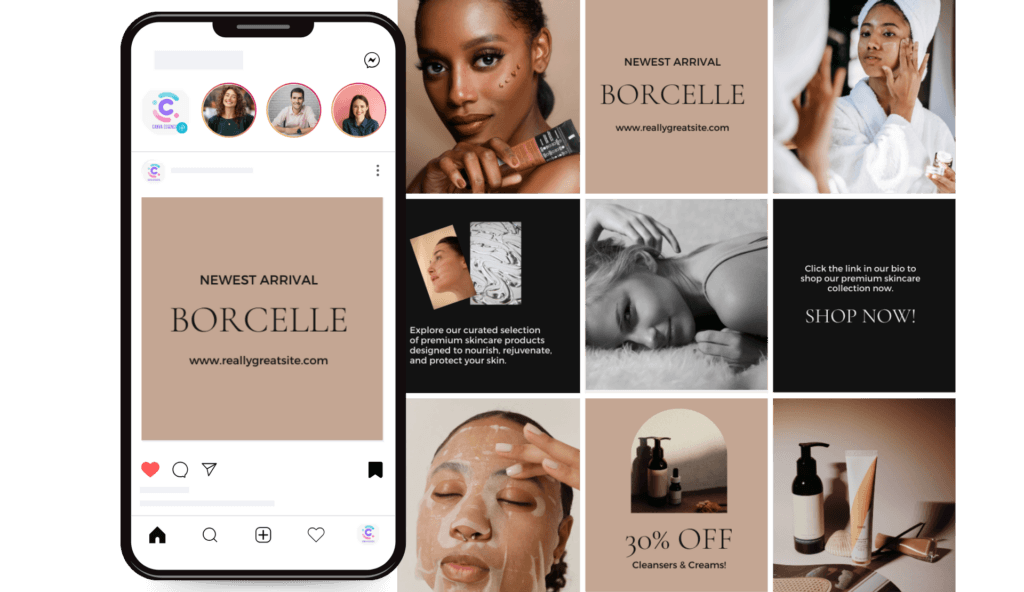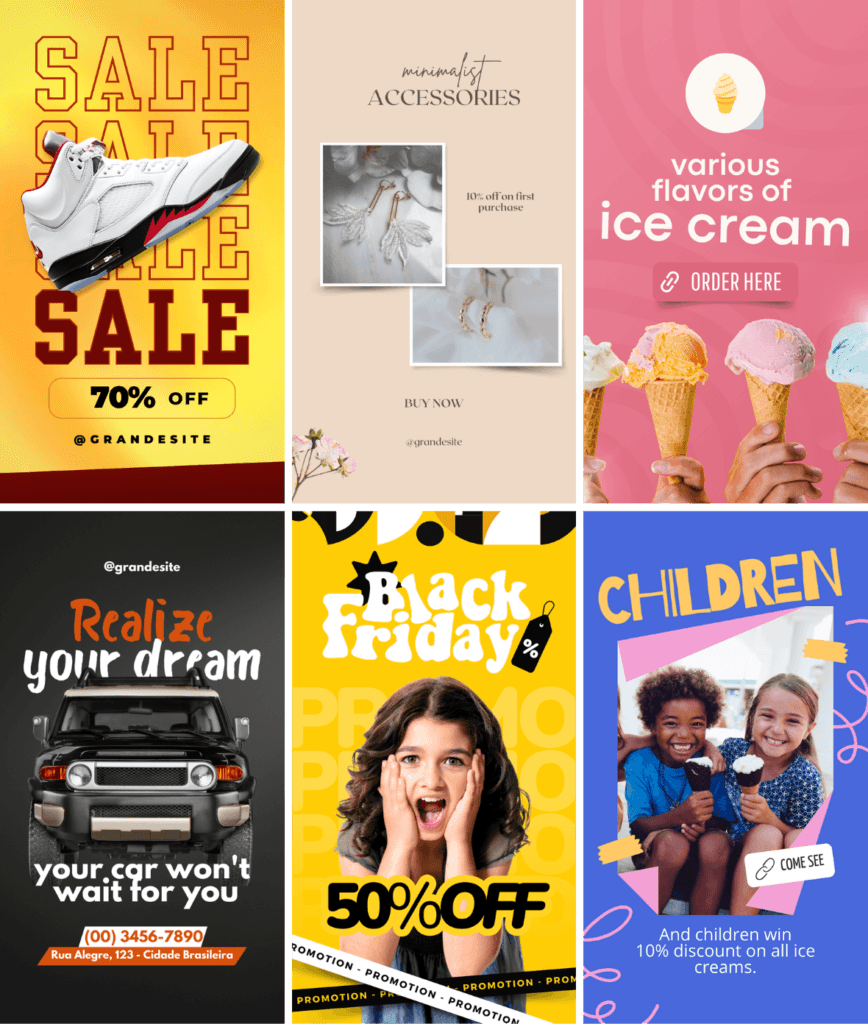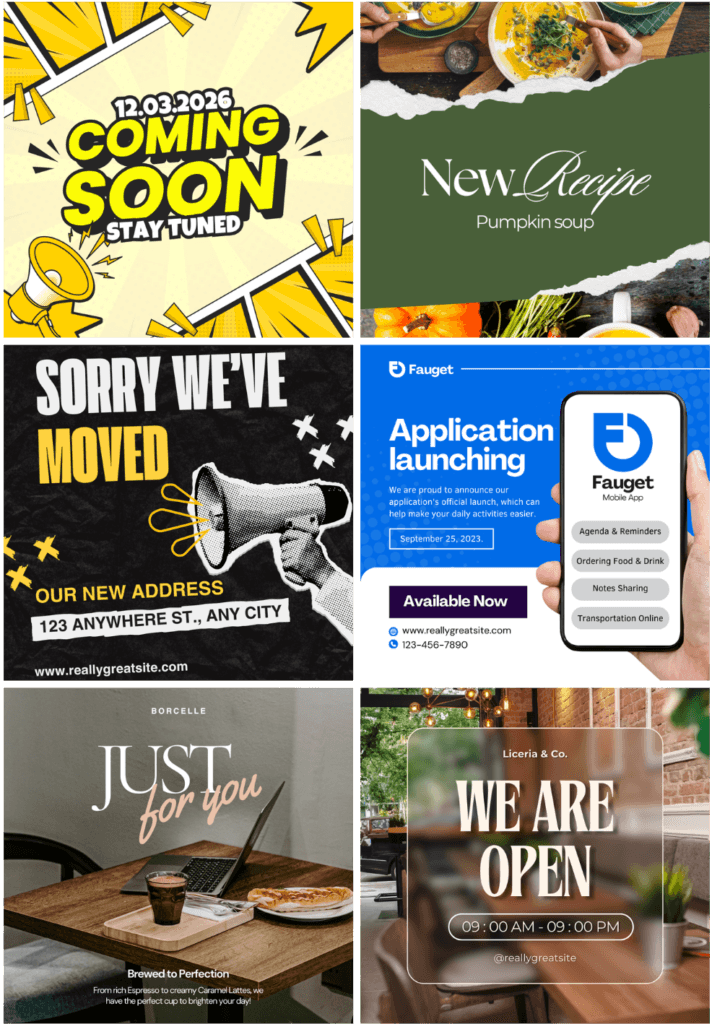


BONUS 1
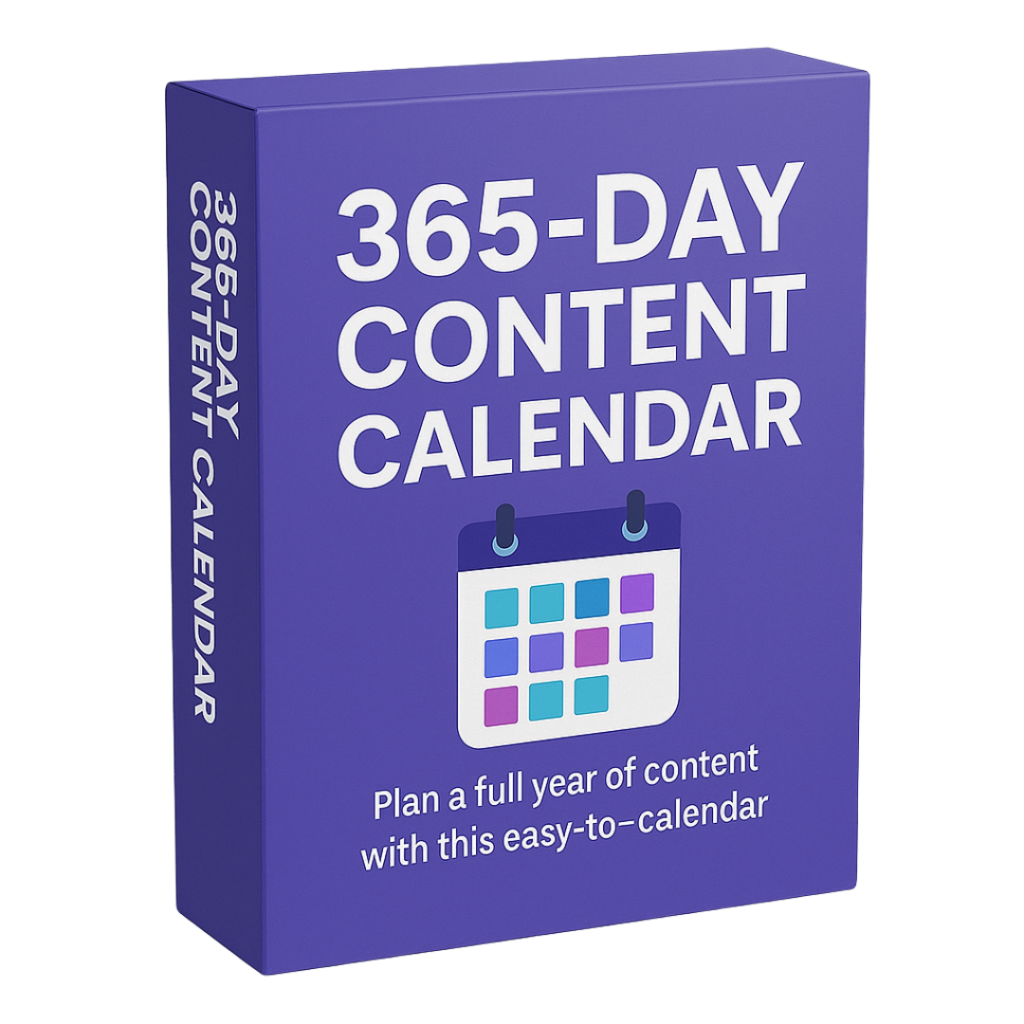
365-DAY CONTENT CALENDAR
($197)
Get access to an editorial calendar of posts for 365 days of the year and gain much more time for your business.
Discover How to Increase Your Sales and Engagement by Up to 10x With Stunning, Attractive and Professional Content Using Canva from Zero to Advanced

Tiffany O.
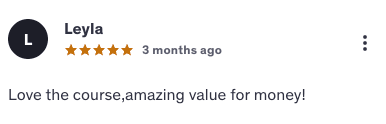
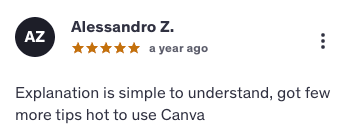
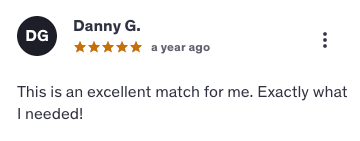
I always wanted to learn Canva, but I thought it was complicated. The Canva Essentials Course made everything seem easy and fun. Now my posts go viral. I can finally create amazing designs for my Instagram that stand out and attract new followers!
Gessica K.
I was shocked by how fast I started seeing results. My engagement doubled in the first week! I used to spend hours overthinking designs — now I just open Canva, follow the method, and everything looks incredible.

Steve A.
Honestly, I didn’t expect much at first, but wow… My posts started blowing up overnight. Now people DM me asking what app I use — and it’s just Canva 😅
Narelle H.
As a small business owner, design used to be my biggest bottleneck.
Now my visuals look on-brand and my sales have increased.
The Canva Essentials Course streamlined everything — it feels like having a designer on my team 24/7.
Laura G.
Before the Canva Essentials Course, I struggled to get people to interact with my posts. My engagement tripled in less than two weeks. Now my content finally gets noticed — comments, shares, and real conversations.
Andrew C.
I started using the Canva Essentials Course to improve my visuals, and I couldn’t believe the difference. My sales doubled in just 30 days. Better designs brought more clicks, more trust, and far more customers.

Kathy H.
Before this system, my posts got likes but no sales. Now every post feels like a mini sales page. People click, buy, and even share my content — all because it finally looks professional and strategic.

Debbie M.
I never realized how much design affects sales. My content now brings consistent income every week. It’s crazy how small visual changes made such a big difference in revenue.
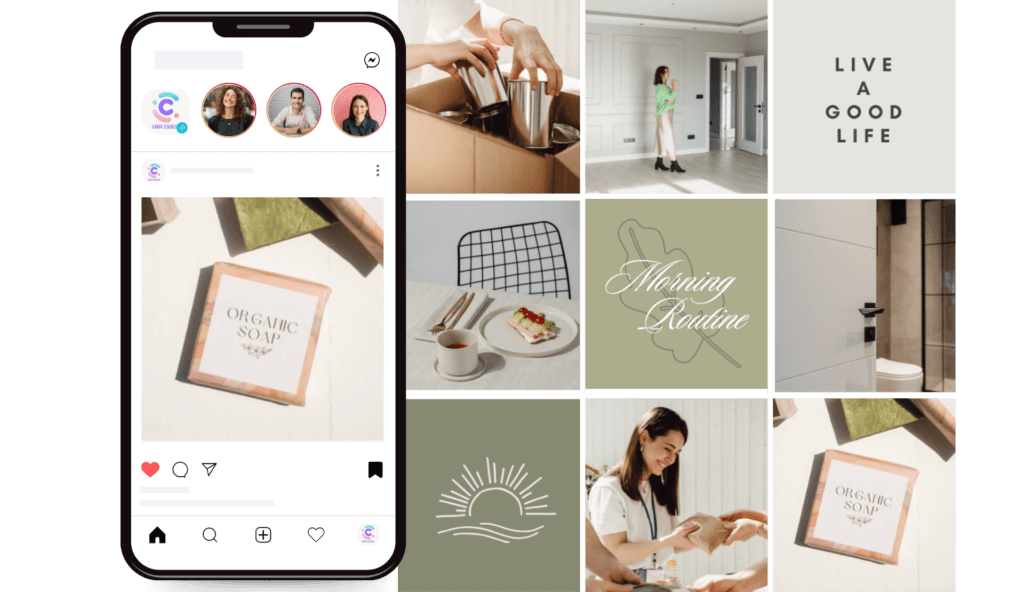
You’ll create professional artwork that will bring many more customers to your business.
Who has time to waste these days? All the lessons are objective and to the point so that you don’t waste time and can apply everything quickly to your business and social networks.
You’ll be able to create your content using Canva Free, without having to purchase Canva Pro.
With the right Method, you don’t need to be a professional designer to make beautiful, attractive and professional content for your business.
You don’t need to spend tons of money hiring a professional designer to create content for your company.
The internet is constantly growing and you need to be present in a professional manner if you want to continue attracting and gaining customers for your business.
Welcome
Creating your Canva account step by step
Canva overview
Canva features
Using Canva on Mobile
Using Canva on your computer
How to define your color palette
Color contrast and its importance
Sites to define your color palette professionally
Advantages of Canva Pro
How to use Canva Pro
Transparent background
Decorated Stories
3D design
Brand Kit
ATTENTION: You don’t need to have Canva Pro subscribed to take the Canva Essentials Course.
How to add photos to Canva
How to adjust images
How to crop and rotate images
Photos within Elements
How to use stock images
Starting base for the videos
How to animate templates in Canva
Music for videos
Free video banks
Extra tools for the perfect video
Elements and their layers
Cutting elements
Blocking elements
Copying the effect of elements
Grouping elements
Template with Elements
What is the difference between a logo and a logotype?
How to use the right color palette for your logo and logotype
How to create a logo
Making the cover
Making the inside pages of the e-book
3D cover
Creating promotional material
How to create professional mockups (3D design)
Youtube Channel Cover
Channel Profile Photo
Animated Channel Vignette
Creating a Thumbnail
Creating a Facebook Cover
Profile photo
Facebook Mockup
Post for commemorative dates
How to create a prominent profile photo
How to create a highlight text for Bio
How to create icons for Featured
How to create posts with phrases
How to create a continuous carousel
How to create an animated highlight story
How to create standout animated Instagram Reels
How to create animated highlight videos
How to create attractive PINS
What the Perfect Organized Feed Sells More
How to find inspiration for the Organized Perfect Feed Sells More
What is the importance of the Perfect Organized Feed Sells More
Creating the Perfect Organized Feed Sells More
Essential Brochure
Essential Poster
Essential Menu
Essential Business Card
Essential Catalog
Promotional flyer Essential
Commercial Proposal Essential
What is a Virtual Card?
How to create your Virtual Card
How to share your Virtual Card on Social Networks (WhatsApp, Direct and E-mail)

Tiffany O.
I always wanted to learn Canva, but I thought it was complicated. The Canva Essentials Course made everything seem easy and fun.
Now my posts go viral.
I can finally create amazing designs for my Instagram that stand out and attract new followers!

Gessica K.
I was shocked by how fast I started seeing results. My engagement doubled in the first week! I used to spend hours overthinking designs — now I just open Canva, follow the method, and everything looks incredible.

Steve A.
Honestly, I didn’t expect much at first, but wow… My posts started blowing up overnight. Now people DM me asking what app I use — and it’s just Canva 😅

Narelle H.
As a small business owner, design used to be my biggest bottleneck. Now my visuals look on-brand and my sales have increased. The Canva Essentials Course streamlined everything — it feels like having a designer on my team 24/7.

Laura G.
Before the Canva Essentials Course, I struggled to get people to interact with my posts. My engagement tripled in less than two weeks. Now my content finally gets noticed — comments, shares, and real conversations.

Andrew C.
I started using the Canva Essentials Course to improve my visuals, and I couldn’t believe the difference. My sales doubled in just 30 days. Better designs brought more clicks, more trust, and far more customers.

Kathy H.
Before this system, my posts got likes but no sales. Now every post feels like a mini sales page. People click, buy, and even share my content — all because it finally looks professional and strategic.

Debbie M.
I never realized how much design affects sales. My content now brings consistent income every week. It’s crazy how small visual changes made such a big difference in revenue.
If within 30 days you don’t see a clear improvement in your engagement, sales, or simply don’t like the system, we’ll refund every penny. No questions asked, no hassle.
This course is perfect for anyone who wants to create stunning, professional content — even if you’ve never designed anything before. Whether you’re a complete beginner, a small business owner, or someone who simply wants to stand out online, Canva Essentials Course will show you exactly what to do.
You’ll start seeing results right away. Most students create their first professional-looking content within the first 5 minutes. And with just a few minutes a day, you’ll gain the skills to consistently create content that gets attention, engagement, and even clients.
Anywhere! Canva is available worldwide and everything taught in this course works no matter where you live. You just need an internet connection and a desire to learn.
No problem at all. This course was made with you in mind. We guide you step by step with simple explanations, clear tutorials, and practical examples. If you can use a phone or computer, you can follow along and get amazing results.
Absolutely. Whether you’re in fashion, food, beauty, coaching, education, digital products, or anything else — Canva Essentials teaches you how to create content tailored to your audience and goals.
You won’t be alone. You’ll have lifetime access to the course so you can revisit lessons anytime, plus we offer friendly support to help you whenever you need it. You’re never stuck — just one click away from help.
No! You can get amazing results with the free version of Canva — and we’ll show you exactly how. While we do mention a few optional Pro features, everything inside the course works perfectly even if you stick to the free plan.
Yes. You’re protected by our 30-day money-back guarantee. That means you can go through the course, test it, and see the results for yourself — completely risk-free. If it’s not right for you, we’ll refund you. Simple as that.
All Rights Reserved – Essentials School | Copyright © 2025